Emoji Fácil Help
The easiest emoji keyboard in the world
How to use
Click an emoji group to open its related emojis.
Click an emoji to insert it into the text box.
Use Copy to copy the final emoji text.
Use Paste to paste text from the clipboard.
Use Clear to clean the text box.
Basic Emoji Category 1️⃣
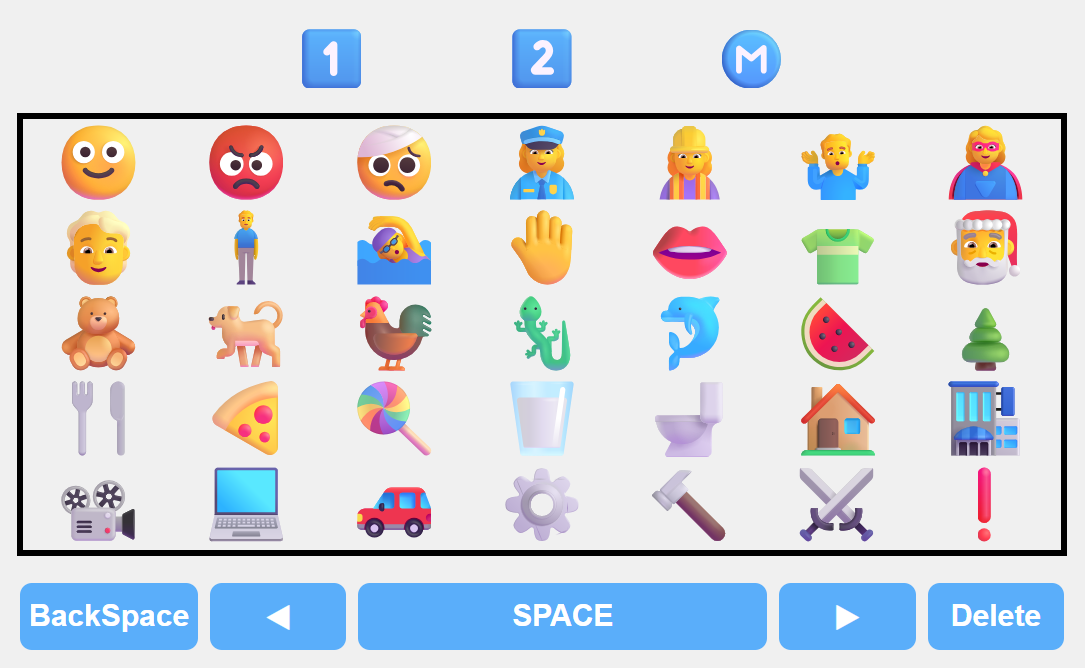
BEC 1 page: contains the 35 most important emoji categories .
Each category opens about 30 to 35 final emojis (total of 1100 emojis).
The lower buttons generate space, delete emojis and move the cursor.
Basic Emoji Category 2️⃣ layout
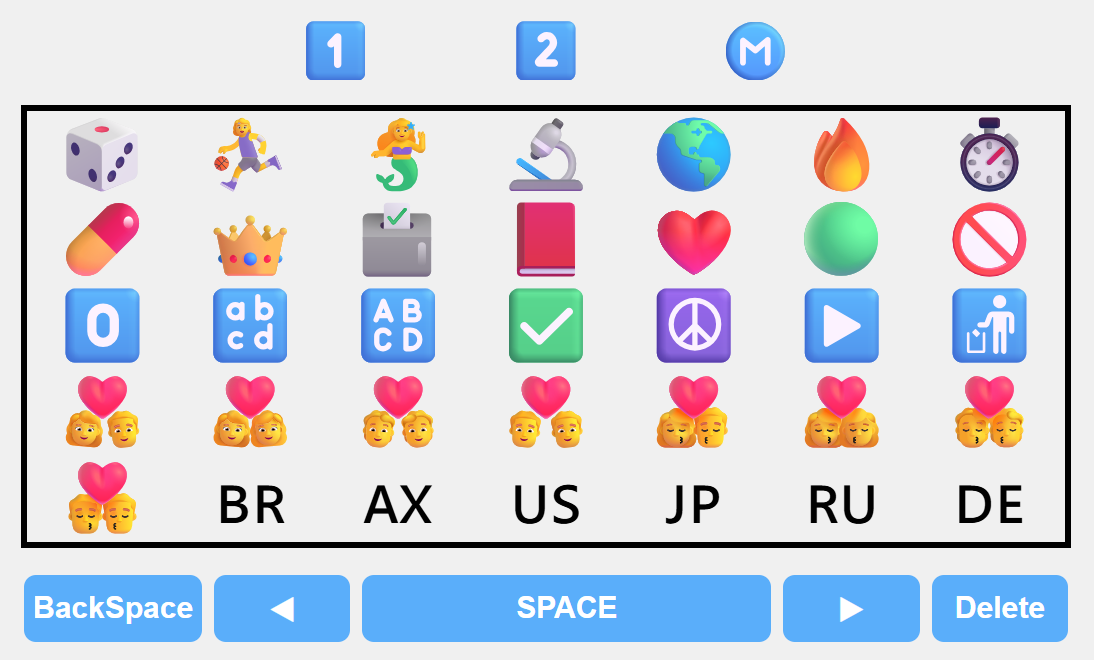
BEC 2 page: contains less used emojis, signs, flags, symbols and special icons.
It also includes friendship, relationship and communication symbols.
The lower buttons are tha same.
Keyboard Emoji Ⓜ️ Memory layout
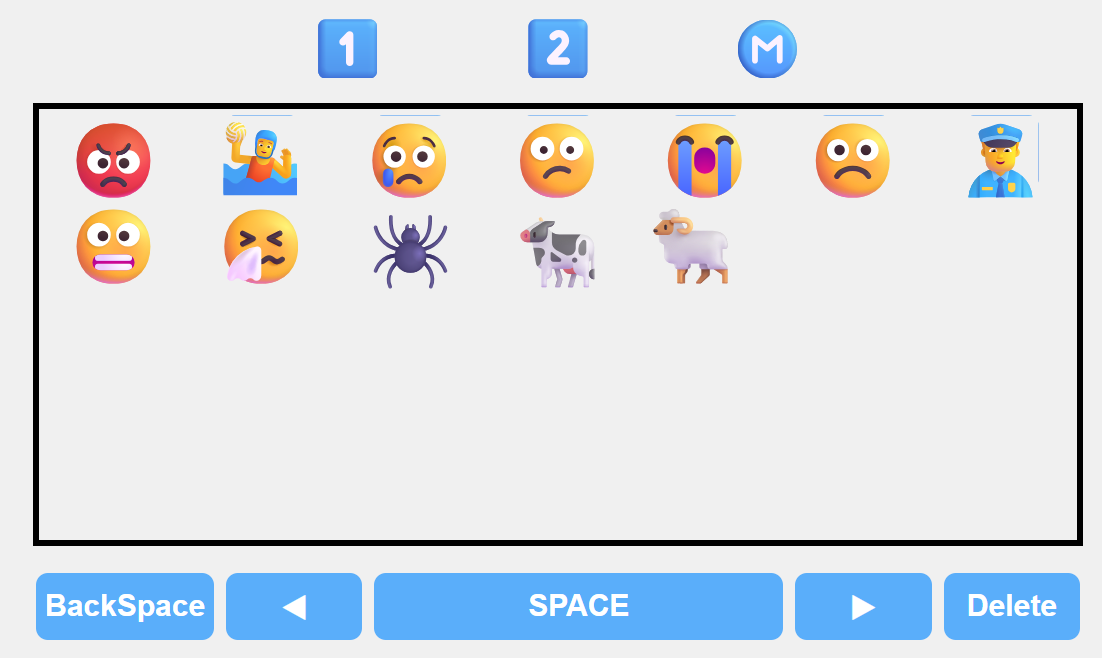
Memory page: stores the last emojis used on this computer or device.
Up to 35 recent emojis are saved locally.
They remain available after closing and reopening the page.
If no emoji was used yet, the memory page will be empty.
Keyboard buttons
1 and 2: change emoji pages.
M: shows recently used emojis.
BackSpace: deletes one step backward.
Delete: deletes one character forward.
SPACE: inserts a space.
◀ and ▶: move the cursor.
About
Emoji Fácil is a simple visual emoji keyboard created by Policarpo Yoshin Ulianov.